
How to check iPhone battery health before you buy.
Battery condition affects daily use and the value of a pre-owned iPhone. This guide explains what to review on the actual device, what questions to ask and why one percentage should never be the only buying decision.
Reviewed 2026-11-21 · Availability changes, so contact us before travelling.
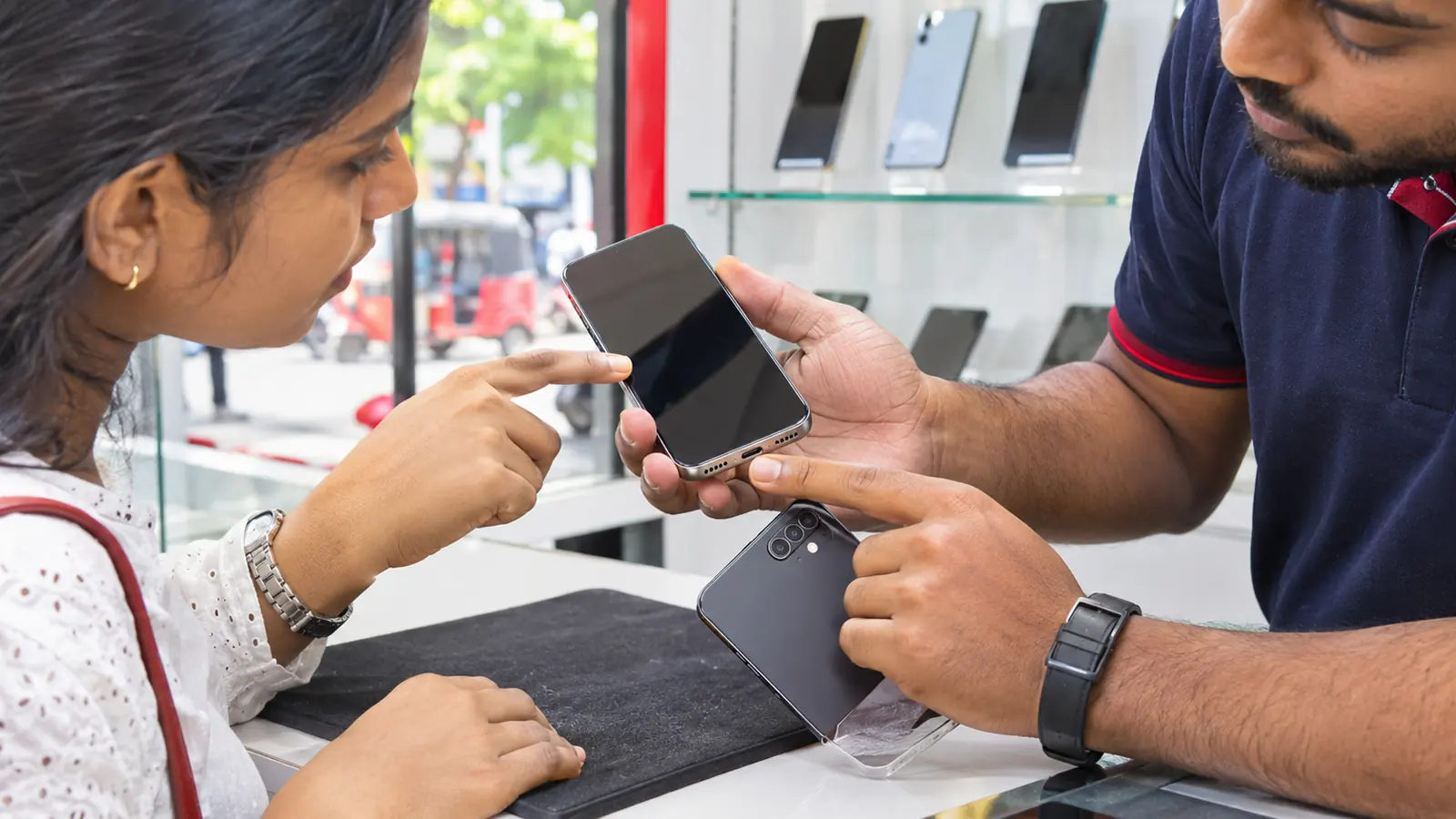
iPhone battery health
Compare exact products and confirm current retail details before making a journey or payment.
Battery settings
Open the device battery settings and review the information available for that model.
Daily behaviour
Ask about shutdowns, heat, charging and unusually fast drain.
Service history
Review available parts and service information before comparing price.
Written condition
Make sure the agreed condition and warranty appear on the receipt.
Treat battery information as one part of condition
Battery information is useful, but it belongs beside physical condition, repair history, functional testing, warranty and price. Inspect the actual unit instead of relying on a screenshot from another phone.
Battery checks for a pre-owned iPhone
Use the same questions for every listing so your comparison stays fair.
- Battery health information on the device
- Unexpected shutdown or restart history
- Charging-port condition
- Heat during normal use and charging
- Parts and Service History when available
- Charger and cable compatibility
- Written warranty terms
Review the information on the actual phone
Open the battery settings on the iPhone you are considering. Menus and available details vary by model and software version, so use Apple’s current support instructions for that exact device.
Do not accept only a screenshot sent in advance. Check the phone again at collection and make sure its model and storage match the offer you discussed.
Test charging and normal operation
Inspect the charging connector, connect a suitable cable and make sure the connection is stable. During a practical inspection, watch for unexpected restarts, excessive heat or unusually rapid drain.
A short shop test cannot predict every future battery issue. Ask what battery or device warranty applies, who handles it and what evidence would be required for support.
Compare battery condition with total value
A lower-priced device may still be poor value if it needs immediate service, while a more expensive unit may include stronger condition and warranty. Compare complete offers rather than one battery figure.
Before travelling to Ja-Ela or Kandana, ask whether the listing is new, pre-owned or refurbished and request the condition information for the exact unit.
DPK Mobile in Ja-Ela and Kandana
Contact us first when you need a particular model, capacity, colour or accessory.
DPK Mobile Ja-Ela
EL 15/1, Ground Floor, Realty Plaza,
Ja-Ela 11350
DPK Mobile Kandana
No. 53, Colombo Road,
Kandana
Frequently asked questions
Can I check an iPhone with the battery condition you need availability before visiting?
Yes. Send DPK Mobile the exact product name or listing link and ask which branch currently has it before you travel.
Where is the Ja-Ela branch?
DPK Mobile Ja-Ela is at EL 15/1, Ground Floor, Realty Plaza, Ja-Ela 11350.
Where is the Kandana branch?
DPK Mobile Kandana is at No. 53, Colombo Road, Kandana.
Are guide pages a guarantee that an item is in stock?
No. Guides help you make a decision. Only a current product listing or direct confirmation from the team should be treated as an availability update.