
What to inspect before buying a used iPhone.
A proper used-iPhone inspection checks ownership status, device information, replaced parts and everyday functions on the actual phone. Work through the same list for every unit so a low headline price does not hide an important problem.
Reviewed 2026-11-21 · Availability changes, so contact us before travelling.
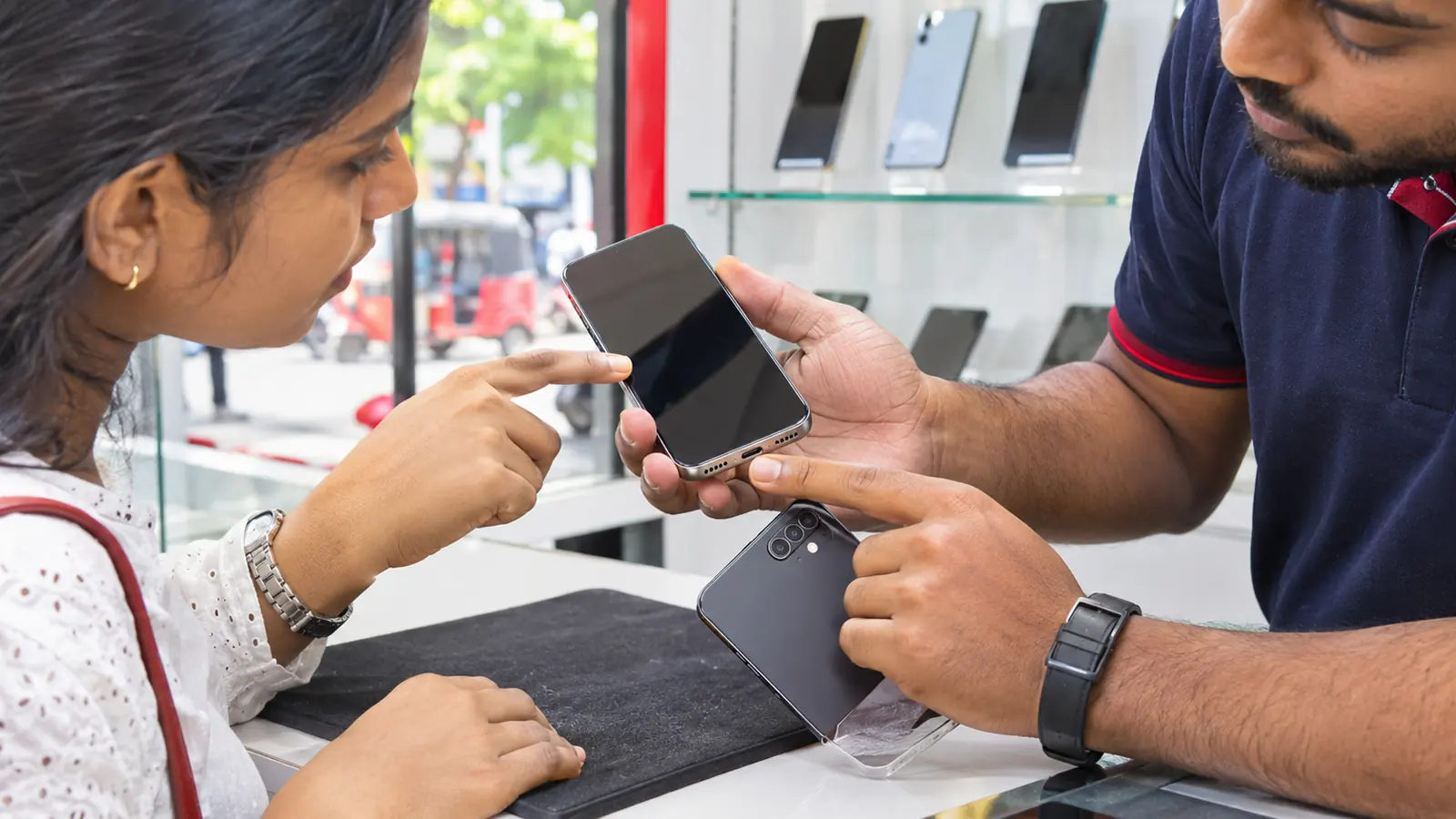
used iPhone inspection
Compare exact products and confirm current retail details before making a journey or payment.
Ownership status
Do not accept a device still linked to the previous owner.
Device identity
Match model, storage and identifiers with the offer and receipt.
Hardware test
Check display, cameras, audio, buttons, charging and wireless connections.
Repair information
Review Parts and Service History when the device provides it.
Inspect the actual unit, not a sample phone
Every pre-owned device has its own history. Complete the checks on the phone you will receive, then make sure the receipt identifies that same device and records the agreed condition.
Used iPhone inspection sequence
Use the same questions for every listing so your comparison stays fair.
- Activation Lock and account status
- Model and storage
- Physical frame and display
- Touch response and brightness
- Front and rear cameras
- Microphones and speakers
- Buttons and vibration
- Charging and connectivity
- Battery information
- Parts and Service History
Start with account and device status
Apple advises buyers not to purchase an iPhone when Activation Lock remains enabled. The phone should be erased and no longer linked to the previous owner before you accept it.
Check the model, storage and identifying information in Settings and compare them with the product offer and invoice. If anything differs, stop and clarify before paying.
Test the functions you will use
Check the entire display for touch response, brightness and visible damage. Test each camera, speaker, microphone, button, charging connection, Wi-Fi, Bluetooth and mobile-network function that can reasonably be checked.
Use your own test call, photo, short video and charger where practical. A device can look clean while still having a functional issue.
Review repairs, battery and paperwork
On supported models and software versions, review Parts and Service History using Apple’s instructions. Ask about any replaced part and how it affects condition or warranty.
Record the agreed condition and coverage on the receipt. Keep copies of the product listing, written answers and payment record with the device information.
DPK Mobile in Ja-Ela and Kandana
Contact us first when you need a particular model, capacity, colour or accessory.
DPK Mobile Ja-Ela
EL 15/1, Ground Floor, Realty Plaza,
Ja-Ela 11350
DPK Mobile Kandana
No. 53, Colombo Road,
Kandana
Frequently asked questions
Can I check a used iPhone availability before visiting?
Yes. Send DPK Mobile the exact product name or listing link and ask which branch currently has it before you travel.
Where is the Ja-Ela branch?
DPK Mobile Ja-Ela is at EL 15/1, Ground Floor, Realty Plaza, Ja-Ela 11350.
Where is the Kandana branch?
DPK Mobile Kandana is at No. 53, Colombo Road, Kandana.
Are guide pages a guarantee that an item is in stock?
No. Guides help you make a decision. Only a current product listing or direct confirmation from the team should be treated as an availability update.